

What Is Proactive IT Support and Why Does Your Business Need It?
By MotivIT, LLC Editorial Team · Published July 22, 2026
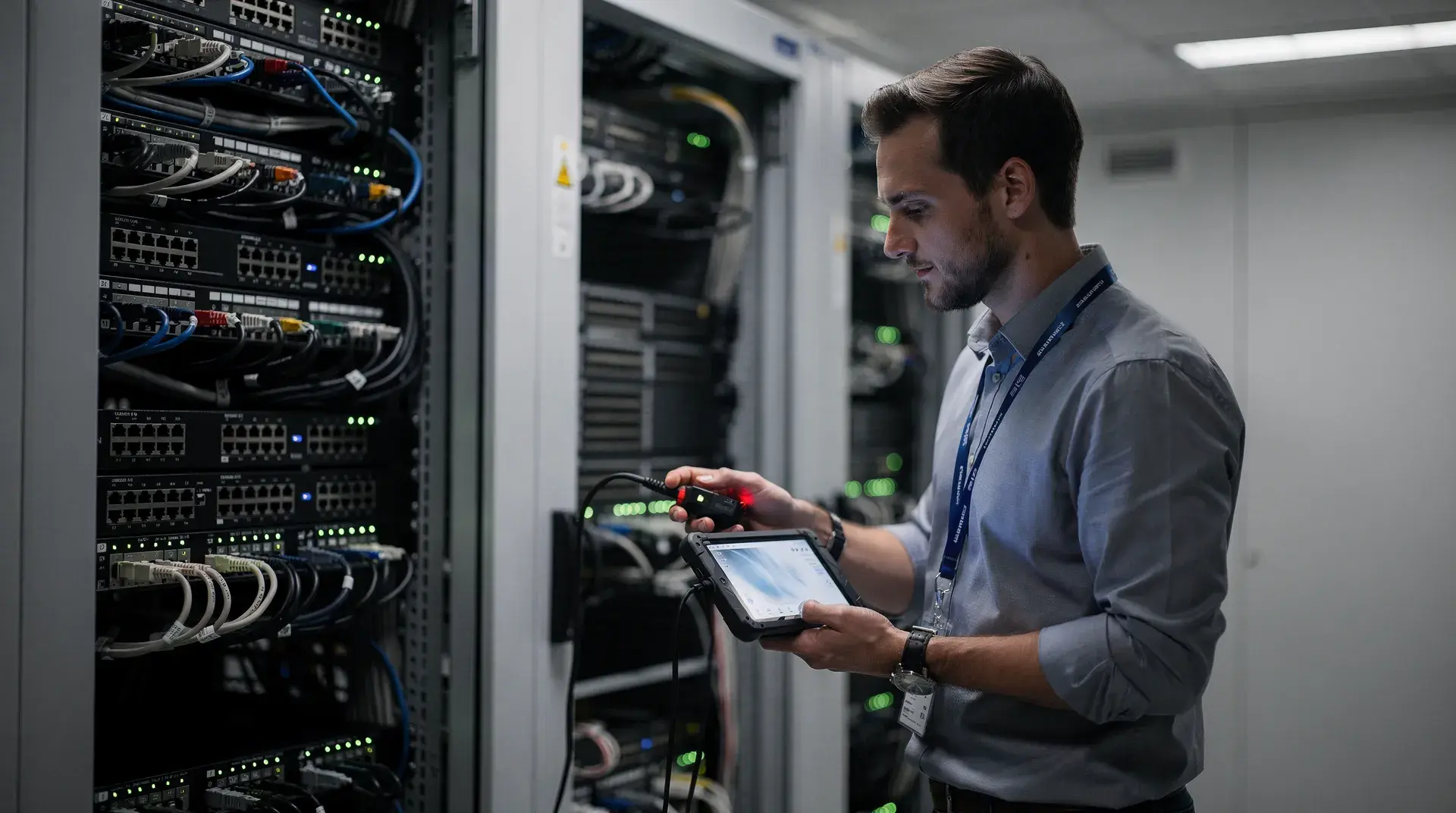
Table of Contents
Technology problems rarely happen at a convenient time. A slow network, Microsoft 365 lockout, failed backup, security alert, or server issue can quickly interrupt employees and delay customer service.
Traditional IT support often begins only after something breaks. By that point, a company may already be dealing with lost productivity, security exposure, emergency expenses, or recurring technical problems.
Proactive IT support takes a preventive approach. It combines system monitoring, maintenance, cybersecurity, help desk assistance, backup oversight, and technology planning to identify risks earlier and keep operations stable.
For San Jose companies without a large internal IT department, this support model provides ongoing technical expertise while allowing internal teams to focus on customers, operations, and growth.
MotivIT provides managed IT services designed to help organizations maintain reliable systems, protect business data, support employees, and adapt as technology needs evolve.
Traditional IT support often begins only after something breaks. By that point, a company may already be dealing with lost productivity, security exposure, emergency expenses, or recurring technical problems.
Proactive IT support takes a preventive approach. It combines system monitoring, maintenance, cybersecurity, help desk assistance, backup oversight, and technology planning to identify risks earlier and keep operations stable.
For San Jose companies without a large internal IT department, this support model provides ongoing technical expertise while allowing internal teams to focus on customers, operations, and growth.
MotivIT provides managed IT services designed to help organizations maintain reliable systems, protect business data, support employees, and adapt as technology needs evolve.
Key Takeaways
- Proactive IT support focuses on identifying and addressing technology risks before they become major disruptions.
- Core services may include monitoring, patch management, cybersecurity, help desk assistance, backup oversight, Microsoft 365 support, and cloud management.
- Small and growing businesses can access broader technical expertise without building a complete internal IT department.
- Companies using cloud platforms, remote teams, Microsoft 365, or sensitive business data may benefit most from ongoing IT management.
- The right provider should combine day-to-day technical assistance with long-term technology planning.
What Is Proactive IT Support?
Proactive IT support is an ongoing approach to managing business technology before problems become serious interruptions.
Rather than waiting for employees to report an outage or malfunction, a managed service provider monitors and maintains the IT environment continuously. This allows the provider to detect warning signs, apply updates, review system health, and address vulnerabilities before they affect daily operations.
Depending on the service plan, this may include:
The goal is to maintain a stable, secure, and efficient environment with fewer unexpected interruptions.
For company leaders, this means less uncertainty about whether backups are working, whether software is current, or whether an unnoticed technical issue may soon affect the team.
Rather than waiting for employees to report an outage or malfunction, a managed service provider monitors and maintains the IT environment continuously. This allows the provider to detect warning signs, apply updates, review system health, and address vulnerabilities before they affect daily operations.
Depending on the service plan, this may include:
- Monitoring servers, networks, and workstations
- Applying software updates and security patches
- Reviewing device and system health
- Checking backup performance
- Watching for suspicious activity
- Supporting employees through a help desk
- Managing Microsoft 365 and cloud platforms
- Reviewing network and application performance
- Planning future technology improvements
The goal is to maintain a stable, secure, and efficient environment with fewer unexpected interruptions.
For company leaders, this means less uncertainty about whether backups are working, whether software is current, or whether an unnoticed technical issue may soon affect the team.
Proactive IT Support vs. Reactive IT Support
Reactive IT support begins after a problem has already occurred. This is commonly called the break-fix model.
Under break-fix support, a company contacts a technician when a system stops working. The technician diagnoses the issue, completes the repair, and bills the organization for the work performed.
Preventive support begins earlier. Systems are monitored, maintained, updated, and secured on an ongoing basis.
Under break-fix support, a company contacts a technician when a system stops working. The technician diagnoses the issue, completes the repair, and bills the organization for the work performed.
Preventive support begins earlier. Systems are monitored, maintained, updated, and secured on an ongoing basis.
| Support Model | How It Works | Business Impact |
|---|---|---|
| Reactive IT Support | Assistance begins after something breaks | More disruption, delayed resolution, and less predictable expenses |
| Proactive IT Support | Technology is monitored and maintained continuously | Earlier issue detection, improved security, and more consistent support |
Reactive support may appear convenient because there is no ongoing service commitment. However, the larger expense may come from lost employee time, delayed customer service, emergency repairs, and operational disruption.
A managed approach is designed to reduce those risks by identifying problems earlier and maintaining systems consistently.
A managed approach is designed to reduce those risks by identifying problems earlier and maintaining systems consistently.
Why Preventive IT Management Matters
Technology problems are rarely limited to the IT department.
When systems fail, employees may be unable to complete their work. Customers may experience delays. Important documents may become unavailable. Security risks may increase. Internal teams may spend hours troubleshooting instead of focusing on their responsibilities.
Ongoing technology management can help an organization:
For San Jose organizations operating in a competitive, technology-driven market, catching a problem early can prevent a minor issue from becoming a larger operational setback.
When systems fail, employees may be unable to complete their work. Customers may experience delays. Important documents may become unavailable. Security risks may increase. Internal teams may spend hours troubleshooting instead of focusing on their responsibilities.
Ongoing technology management can help an organization:
- Maintain system availability
- Improve employee productivity
- Reduce recurring technical issues
- Keep software and security controls updated
- Improve backup reliability
- Support remote and hybrid employees
- Manage technology expenses more consistently
- Align future IT investments with business growth
For San Jose organizations operating in a competitive, technology-driven market, catching a problem early can prevent a minor issue from becoming a larger operational setback.
Core Services Included in Proactive IT Support
A strong support strategy includes several connected services. Together, they help keep systems reliable, employees productive, and business information protected.
Network Monitoring and System Maintenance
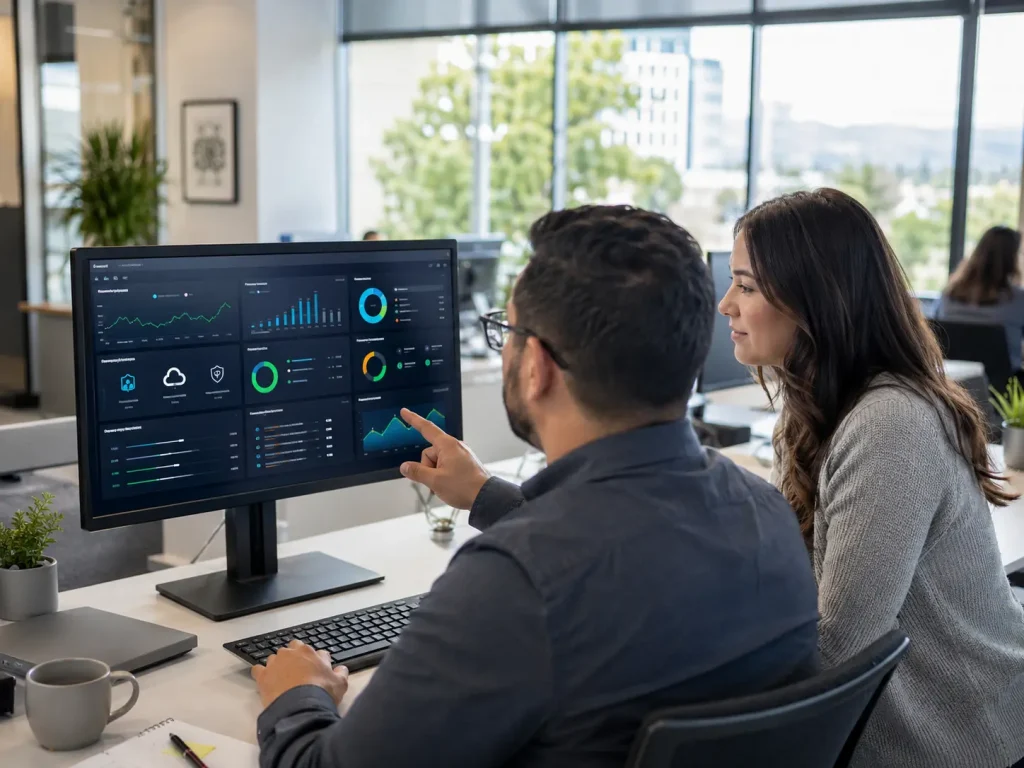
Network and system monitoring gives an IT provider visibility into device health, connection performance, storage capacity, backup status, and unusual activity.
Monitoring tools can notify the technical team when a system needs attention rather than relying solely on employees to recognize and report a problem.
For example, a provider may detect that a server is running low on storage, a workstation is repeatedly failing updates, or a network device is becoming unstable. Addressing these issues early can prevent a larger interruption.
Regular maintenance may include:
Managed IT services in San Jose can give small businesses access to this ongoing oversight without requiring an internal team to track every update, alert, or device.
Monitoring tools can notify the technical team when a system needs attention rather than relying solely on employees to recognize and report a problem.
For example, a provider may detect that a server is running low on storage, a workstation is repeatedly failing updates, or a network device is becoming unstable. Addressing these issues early can prevent a larger interruption.
Regular maintenance may include:
- Security patching
- Software updates
- Device health reviews
- Network maintenance
- Performance checks
- Backup verification
- Hardware and software inventory reviews
Managed IT services in San Jose can give small businesses access to this ongoing oversight without requiring an internal team to track every update, alert, or device.
Help Desk and Employee Support
Even in a well-maintained environment, employees will occasionally need technical assistance.
A help desk gives the team a clear place to request support for login issues, email problems, Microsoft 365 access, software questions, device troubleshooting, password resets, printer issues, and connectivity concerns.
Responsive assistance helps prevent one technical issue from consuming hours of an employee’s workday. It also reduces the likelihood that staff members will attempt risky workarounds or rely on unapproved applications.
Remote support can be especially useful for companies with hybrid employees, multiple offices, field workers, or distributed teams.
A help desk gives the team a clear place to request support for login issues, email problems, Microsoft 365 access, software questions, device troubleshooting, password resets, printer issues, and connectivity concerns.
Responsive assistance helps prevent one technical issue from consuming hours of an employee’s workday. It also reduces the likelihood that staff members will attempt risky workarounds or rely on unapproved applications.
Remote support can be especially useful for companies with hybrid employees, multiple offices, field workers, or distributed teams.
Patch Management and Software Updates
Outdated software can create both performance and security problems.
Updates and patches are released to fix known vulnerabilities, improve stability, and maintain compatibility with other applications. However, manually tracking updates across every employee device, server, and application can become difficult as a business grows.
Managed patching helps create a consistent process for reviewing, testing, and deploying important updates. It also reduces the likelihood that an unsupported or vulnerable application will remain unnoticed.
This is particularly important for companies that depend on Microsoft 365, cloud applications, financial platforms, customer databases, or industry-specific software.
Updates and patches are released to fix known vulnerabilities, improve stability, and maintain compatibility with other applications. However, manually tracking updates across every employee device, server, and application can become difficult as a business grows.
Managed patching helps create a consistent process for reviewing, testing, and deploying important updates. It also reduces the likelihood that an unsupported or vulnerable application will remain unnoticed.
This is particularly important for companies that depend on Microsoft 365, cloud applications, financial platforms, customer databases, or industry-specific software.
Cybersecurity Protection
Cybersecurity is an essential part of ongoing IT management.
Small and mid-sized organizations may not have dedicated security teams, but they still handle valuable information such as customer records, employee data, invoices, financial documents, passwords, email accounts, and confidential communications.
Common protections may include:
These safeguards work best when they are managed together rather than added only after a security incident occurs.
Small and mid-sized organizations may not have dedicated security teams, but they still handle valuable information such as customer records, employee data, invoices, financial documents, passwords, email accounts, and confidential communications.
Common protections may include:
- Endpoint security
- Email filtering
- Multi-factor authentication
- Firewall configuration
- Threat monitoring
- Security awareness training
- Vulnerability scanning
- Phishing protection
- Access management
- Incident response planning
These safeguards work best when they are managed together rather than added only after a security incident occurs.
Backup and Disaster Recovery Planning
Backups are easy to overlook until information needs to be restored.
A failed device, accidental deletion, ransomware incident, application outage, or hardware failure can cause serious disruption when business data is not properly protected.
A strong backup and disaster recovery strategy should answer three questions:
Backup oversight and recovery planning support business continuity by helping an organization resume operations after an unexpected event.
A failed device, accidental deletion, ransomware incident, application outage, or hardware failure can cause serious disruption when business data is not properly protected.
A strong backup and disaster recovery strategy should answer three questions:
- Is important information being backed up?
- Are the backups being monitored and tested?
- Can the data and systems be restored within an acceptable timeframe?
Backup oversight and recovery planning support business continuity by helping an organization resume operations after an unexpected event.
Cloud and Microsoft 365 Management
Many businesses now depend on cloud-based tools for email, document storage, meetings, calendars, collaboration, and daily workflows.
Ongoing support can help manage:
This is particularly relevant when a company is scaling headcount, shifting to cloud-first workflows, or adjusting permissions frequently as roles and teams change.
Businesses evaluating cloud infrastructure, migrations, or scalable remote access can also review MotivIT’s cloud services.
Ongoing support can help manage:
- Microsoft 365 users and licenses
- Email access and security
- User permissions
- Shared files and cloud storage
- Device access
- Collaboration settings
- Remote work access
- Backup and recovery configurations
- Employee onboarding and offboarding
This is particularly relevant when a company is scaling headcount, shifting to cloud-first workflows, or adjusting permissions frequently as roles and teams change.
Businesses evaluating cloud infrastructure, migrations, or scalable remote access can also review MotivIT’s cloud services.
Not sure which services your team needs? Review managed IT options for system monitoring, employee assistance, cybersecurity, Microsoft 365, cloud management, and business continuity.
How Proactive IT Support Helps Reduce Business Risk
Technology risk can come from hardware failure, software problems, cyber incidents, human error, internet disruption, outdated systems, and inadequate recovery planning.
The purpose of preventive management is not to guarantee that an issue will never happen. It is to reduce the likelihood of disruption, identify problems earlier, and improve the organization’s ability to respond.
The purpose of preventive management is not to guarantee that an issue will never happen. It is to reduce the likelihood of disruption, identify problems earlier, and improve the organization’s ability to respond.
Reducing Downtime and Operational Disruption
Downtime affects more than devices and applications. It affects employees, customers, revenue, and trust.
Continuous technology oversight can limit disruptions by identifying warning signs and maintaining systems before they fail.
For example:
A short outage may be manageable for one organization but highly disruptive for another. The impact depends on which systems are affected, how many employees rely on them, whether customers are involved, and how quickly service can be restored.
Continuous technology oversight can limit disruptions by identifying warning signs and maintaining systems before they fail.
For example:
- Monitoring may identify server performance problems before an outage.
- Patch management may correct a known vulnerability before it is exploited.
- Backup checks may reveal a failed backup before information is lost.
- Employee support may resolve access issues before they delay an entire project.
- Network monitoring may identify connectivity problems before they affect the full team.
A short outage may be manageable for one organization but highly disruptive for another. The impact depends on which systems are affected, how many employees rely on them, whether customers are involved, and how quickly service can be restored.
Strengthening Cybersecurity
Modern security threats frequently target software vulnerabilities, employee accounts, email systems, mobile devices, and cloud access.
The Verizon 2026 Data Breach Investigations Report found that 31% of breaches began with the exploitation of software vulnerabilities. The report also found that ransomware was involved in 48% of breaches.
These findings reinforce the importance of patching systems, monitoring activity, protecting accounts, and maintaining a documented response plan.
Microsoft’s 2025 Digital Defense Report also emphasizes organizational resilience. Microsoft recommends tracking security measures such as multi-factor authentication coverage, patching speed, and incident response time.
Cybersecurity should therefore be treated as a continuing business process rather than a one-time software purchase.
An ongoing strategy can help organizations:
The NIST Cybersecurity Framework 2.0 Small Business Quick-Start Guide was developed specifically for small and mid-sized organizations with modest or no existing cybersecurity plans. It provides a structured way to begin managing cyber risk.
The Verizon 2026 Data Breach Investigations Report found that 31% of breaches began with the exploitation of software vulnerabilities. The report also found that ransomware was involved in 48% of breaches.
These findings reinforce the importance of patching systems, monitoring activity, protecting accounts, and maintaining a documented response plan.
Microsoft’s 2025 Digital Defense Report also emphasizes organizational resilience. Microsoft recommends tracking security measures such as multi-factor authentication coverage, patching speed, and incident response time.
Cybersecurity should therefore be treated as a continuing business process rather than a one-time software purchase.
An ongoing strategy can help organizations:
- Reduce exposure to known software vulnerabilities
- Protect email and user accounts
- Improve multi-factor authentication coverage
- Identify unusual activity
- Train employees to recognize common threats
- Maintain recoverable backups
- Prepare for potential incidents
- Improve compliance readiness
The NIST Cybersecurity Framework 2.0 Small Business Quick-Start Guide was developed specifically for small and mid-sized organizations with modest or no existing cybersecurity plans. It provides a structured way to begin managing cyber risk.
Real-World Business Scenarios
The value of preventive support becomes clearer when it is connected to daily operations.
Example 1: A law firm experiences an email account compromise
A San Jose law firm depends on email, shared case files, calendars, and Microsoft 365. An employee unknowingly enters credentials into a fake login page.
In a reactive environment, the compromise may not be noticed until unusual messages are sent, client information is accessed, or the account becomes unavailable.
With account monitoring, multi-factor authentication, email filtering, and a documented response process, the firm has a better chance of identifying the issue earlier and limiting its impact.
Example 2: An accounting firm faces a backup problem during tax season
An accounting practice depends on secure documents and reliable access during its busiest months. A backup process quietly begins failing, but no one reviews the alerts.
If a workstation or storage system later fails, important files may not be recoverable.
With monitored backups and regular recovery checks, the failure can be identified before data restoration is needed.
Example 3: A manufacturer experiences network instability
A local manufacturer relies on connected workstations, vendor applications, shared operational data, and production-related systems.
Intermittent network problems begin slowing communication between devices. Without active monitoring, employees may treat each occurrence as an isolated issue.
Network management can help identify the underlying pattern, locate the affected equipment, and address the problem before it creates a larger production interruption.
These are illustrative scenarios rather than MotivIT client case studies. They show how the same technology problem can create different consequences depending on the company’s industry and workflow.
A San Jose law firm depends on email, shared case files, calendars, and Microsoft 365. An employee unknowingly enters credentials into a fake login page.
In a reactive environment, the compromise may not be noticed until unusual messages are sent, client information is accessed, or the account becomes unavailable.
With account monitoring, multi-factor authentication, email filtering, and a documented response process, the firm has a better chance of identifying the issue earlier and limiting its impact.
Example 2: An accounting firm faces a backup problem during tax season
An accounting practice depends on secure documents and reliable access during its busiest months. A backup process quietly begins failing, but no one reviews the alerts.
If a workstation or storage system later fails, important files may not be recoverable.
With monitored backups and regular recovery checks, the failure can be identified before data restoration is needed.
Example 3: A manufacturer experiences network instability
A local manufacturer relies on connected workstations, vendor applications, shared operational data, and production-related systems.
Intermittent network problems begin slowing communication between devices. Without active monitoring, employees may treat each occurrence as an isolated issue.
Network management can help identify the underlying pattern, locate the affected equipment, and address the problem before it creates a larger production interruption.
These are illustrative scenarios rather than MotivIT client case studies. They show how the same technology problem can create different consequences depending on the company’s industry and workflow.
Proactive IT Support for San Jose Industries
San Jose businesses operate in a market where reliable technology is closely connected to customer service, productivity, compliance, and growth.
However, support priorities are not identical across every industry.
However, support priorities are not identical across every industry.
Healthcare Practices
Healthcare organizations may rely on scheduling platforms, patient-related systems, secure communications, cloud applications, and reliable access to records.
Their IT priorities may include:
An outage or account issue can affect both staff productivity and patient service.
Their IT priorities may include:
- Access management
- Backup reliability
- Device security
- Email protection
- Business continuity
- Compliance-aware support
An outage or account issue can affect both staff productivity and patient service.
Legal Firms
Law firms often handle sensitive communications, client records, case documents, billing information, and strict deadlines.
Their technology strategy may prioritize:
Even a short system or email interruption can interfere with client communication and time-sensitive work.
Their technology strategy may prioritize:
- Secure email
- Microsoft 365 management
- Protected document access
- Reliable backups
- User permission controls
- Fast employee support
Even a short system or email interruption can interfere with client communication and time-sensitive work.
Accounting and Financial Services
Accounting firms frequently manage financial documents, tax records, payroll information, and confidential client files.
During busy periods, they may need:
The ability to maintain operations during tax season, audits, or payroll deadlines can be particularly important.
During busy periods, they may need:
- Secure file sharing
- Backup monitoring
- Multi-factor authentication
- Email protection
- Fast response to user issues
- Consistent access to cloud applications
The ability to maintain operations during tax season, audits, or payroll deadlines can be particularly important.
Manufacturing Businesses
Manufacturers may depend on connected equipment, workstations, shared production data, vendor applications, and stable networks.
Their priorities may include:
Technology interruptions can affect scheduling, production, inventory, and communication with suppliers.
Their priorities may include:
- Network management
- Device monitoring
- Vendor coordination
- Business continuity
- Backup and recovery
- Preventive maintenance
Technology interruptions can affect scheduling, production, inventory, and communication with suppliers.
Professional Services Firms
Consulting, architecture, real estate, insurance, and other professional services companies often depend on Microsoft 365, cloud storage, client communication, and remote access.
Their support needs may include:
Their support needs may include:
- Employee help desk assistance
- Secure remote access
- Email and collaboration management
- Device support
- Client data protection
- Secure document workflows and version control
Tech Startups
Growing technology companies may need scalable support without immediately hiring a complete internal IT department.
Their priorities may include:
These examples demonstrate why an effective support plan should reflect the organization’s workflow, risk level, data, and growth plans rather than using the same checklist for every company.
Their priorities may include:
- Cloud management
- Remote employee support
- Fast onboarding
- User access administration
- Cybersecurity planning
- Vendor and asset management
- Support that can scale with headcount
These examples demonstrate why an effective support plan should reflect the organization’s workflow, risk level, data, and growth plans rather than using the same checklist for every company.
When Does a Business Need Proactive IT Support?
A company may benefit from ongoing support when technical issues are already affecting operations or when leadership wants to prevent larger problems before they happen.
Common warning signs include:
If several of these conditions apply, a managed support model may offer a more sustainable long-term approach.
Common warning signs include:
- Employees frequently experience IT issues
- Technical requests take too long to resolve
- Systems feel slow or unreliable
- No one is actively checking backup performance
- Security concerns are increasing
- The company depends heavily on cloud platforms or Microsoft 365
- Remote or hybrid employees need consistent assistance
- The business does not have a complete internal IT team
- Technology expenses are difficult to predict
- The company is adding employees, devices, locations, or applications
- Support is only requested after something breaks
If several of these conditions apply, a managed support model may offer a more sustainable long-term approach.
Still relying on IT support only after something breaks? Compare your current approach with a managed plan built around your employees, systems, security risks, and growth goals.
Proactive Managed IT vs. Hiring In-House IT
Some companies consider hiring internal staff instead of working with a managed service provider.
An internal employee may offer valuable familiarity with the organization. However, a single hire may not provide expertise across every area, such as cybersecurity, network management, Microsoft 365, cloud platforms, backup planning, employee support, and IT strategy.
A managed provider can give a business access to a wider technical team and may also work alongside existing internal staff through a co-managed model.
An internal employee may offer valuable familiarity with the organization. However, a single hire may not provide expertise across every area, such as cybersecurity, network management, Microsoft 365, cloud platforms, backup planning, employee support, and IT strategy.
A managed provider can give a business access to a wider technical team and may also work alongside existing internal staff through a co-managed model.
| Option | Best Suited For | Key Considerations |
|---|---|---|
| In-House IT | Companies needing dedicated on-site support throughout the day | Hiring, retention, training, availability, and breadth of expertise |
| Managed IT Services | SMBs needing scalable expertise and ongoing technical coverage | Service scope, response expectations, and provider fit |
| Co-Managed IT | Organizations with internal IT staff that need additional capacity | Requires clear responsibilities between internal and external teams |
The right option depends on the organization’s size, complexity, support requirements, regulatory needs, and growth strategy.
What Should Be Included in a Proactive IT Support Plan?
A strong support plan should include more than troubleshooting.
The exact service mix will vary, but companies should generally evaluate whether the provider offers:
The exact service mix will vary, but companies should generally evaluate whether the provider offers:
| Service Area | Why It Matters |
|---|---|
| Ongoing Monitoring | Helps identify technical issues before they interrupt daily work |
| Patch Management | Reduces exposure to vulnerabilities in outdated software |
| Help Desk Support | Gives employees a clear path to get assistance |
| Endpoint Protection | Helps defend business devices from malware and unauthorized access |
| Backup Monitoring | Confirms that important data is protected and recoverable |
| Microsoft 365 Support | Helps manage users, email, permissions, and collaboration tools |
| Network Management | Improves visibility into connectivity and infrastructure performance |
| Cybersecurity Controls | Supports protection against phishing, ransomware, and account compromise |
| Business Reviews | Helps align technology decisions with operational and growth goals |
| Vendor Management | Helps coordinate outside software, internet, and technology providers |
| Clear Service Expectations | Defines support coverage, responsibilities, and response procedures |
| Scalable Options | Allows support to grow as the company adds users, devices, or locations |
The right plan should match the company’s size, risk level, support needs, and future goals.
Questions to Ask an IT Support Provider
Before choosing a provider, ask questions that reveal how the service is delivered:
A strong provider should be able to explain these services clearly and connect them to actual business requirements.
- Which systems and devices do you monitor?
- What happens when an alert or warning sign is detected?
- Which cybersecurity protections are included?
- How are software updates and patches managed?
- Do you support Microsoft 365 and cloud applications?
- What are your help desk hours?
- How do employees submit requests?
- Do you support backups and disaster recovery planning?
- Which services are included in the monthly agreement?
- Which services may involve additional fees?
- How are urgent issues prioritized?
- Can the service scale as our organization grows?
- Do you provide business reviews or technology planning?
- How do you coordinate with existing vendors or internal IT staff?
A strong provider should be able to explain these services clearly and connect them to actual business requirements.
Frequently Asked Questions About Proactive IT Support
What does proactive IT support mean?
Proactive IT support means monitoring, maintaining, and securing a company’s technology environment before technical issues become major disruptions. It focuses on prevention, early detection, maintenance, and business continuity.
How is proactive IT support different from break-fix support?
Break-fix assistance begins after something stops working. A managed model provides continuing monitoring, maintenance, security, and employee assistance — shifting the focus from emergency repairs to consistent, day-to-day risk reduction.
Is proactive IT support useful for small businesses?
Yes. It can be particularly helpful for small businesses that depend on technology but do not have a complete internal IT department. It provides access to monitoring, cybersecurity, employee support, cloud expertise, and technical planning.
Can managed IT services reduce downtime?
They can help limit downtime by detecting warning signs, maintaining systems, applying updates, checking backups, and responding to employee issues earlier. No provider can eliminate every interruption, but a preventive model can reduce risk and improve recovery.
What services are normally included?
Services may include remote monitoring, help desk support, cybersecurity tools, patch management, backup oversight, Microsoft 365 assistance, cloud management, network management, vendor coordination, and IT planning.
How much does proactive IT support cost?
Pricing varies based on the number of users and devices, service hours, security requirements, included tools, infrastructure complexity, and the level of assistance required. Companies should compare both the monthly fee and the services included.
Does a managed IT provider replace an internal IT team?
Not necessarily. A provider can function as the primary technical team for a small company or work alongside internal employees through a co-managed arrangement.
Does MotivIT provide proactive IT support in San Jose?
Yes. MotivIT provides managed IT services in San Jose for organizations that need monitoring, employee assistance, cybersecurity, cloud support, network management, and scalable technical guidance.
Ready to Move from Reactive to Proactive IT?
If your team is constantly reacting to IT issues, dealing with recurring problems, or worrying about cybersecurity, it may be time to consider proactive IT support. MotivIT helps San Jose businesses build a stronger technology foundation through managed IT services, proactive monitoring, cybersecurity protection, remote support, and scalable service plans.